


Viewing Component Functionality
Due to dependency on UI frameworks, component configuration items in the documentation may not be updated in real-time. The following example uses element-plus to show how to view the actual available configuration items of built-in components.
Example: View the Select component's complete functionality list and usage examples
1. Find the Component's UI Official Documentation
Use the links in the documentation
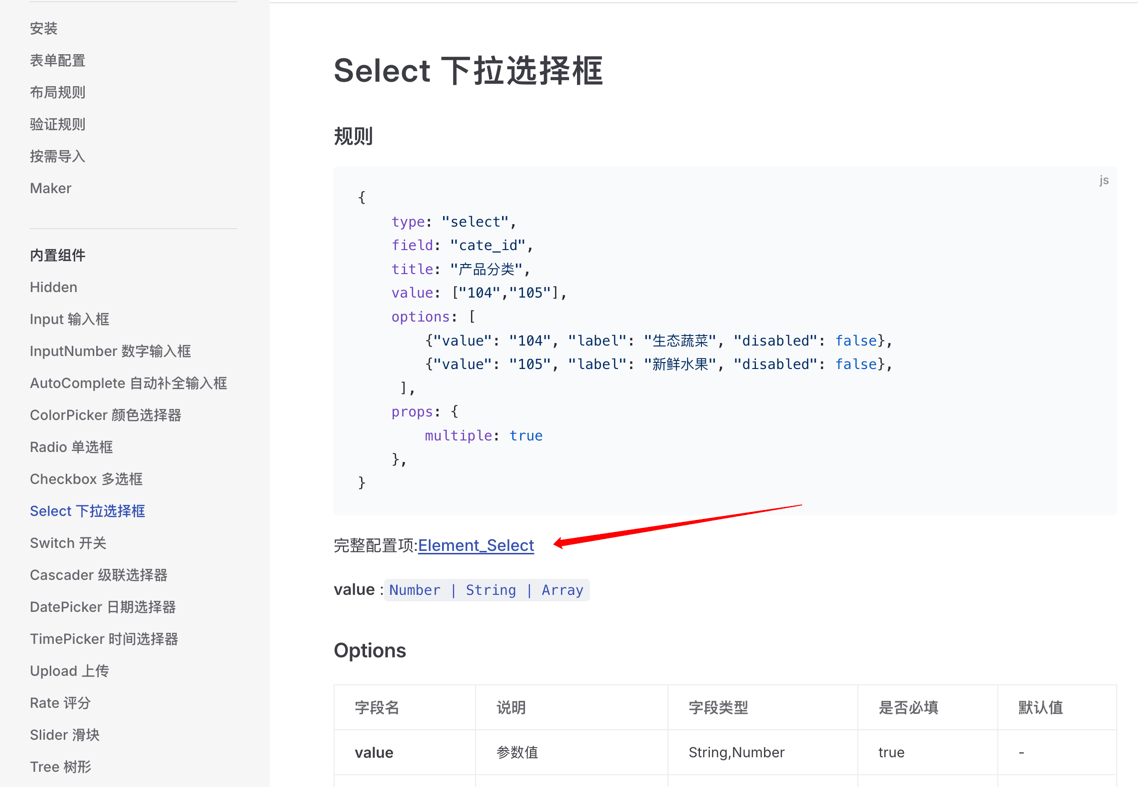
Or find the component directly on the UI official website
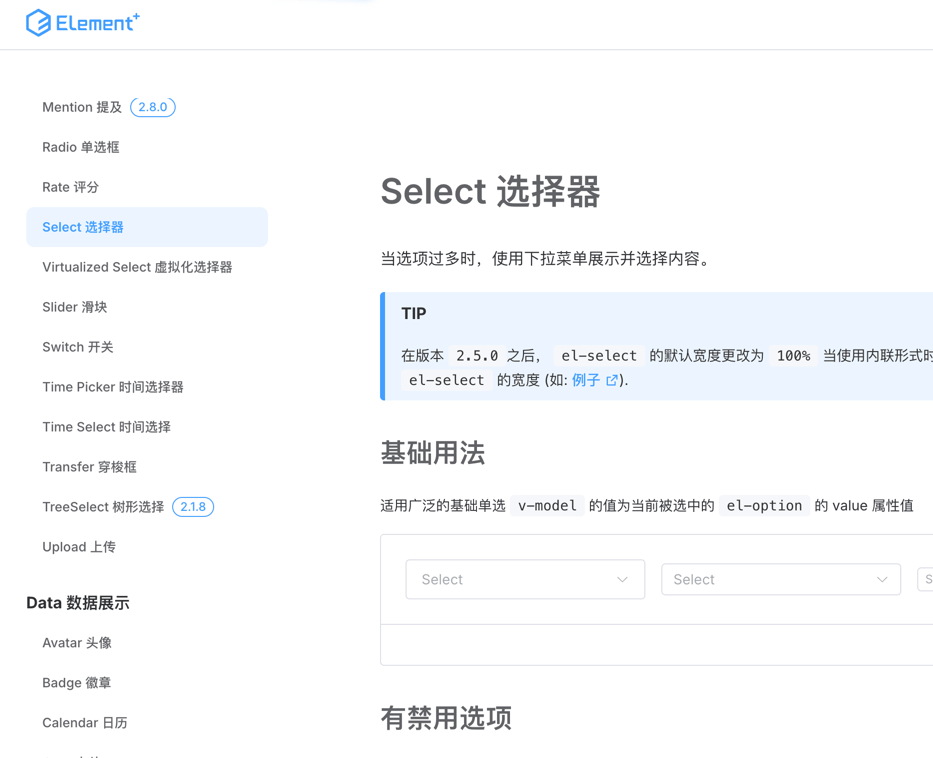
2. View Component Configuration (props)
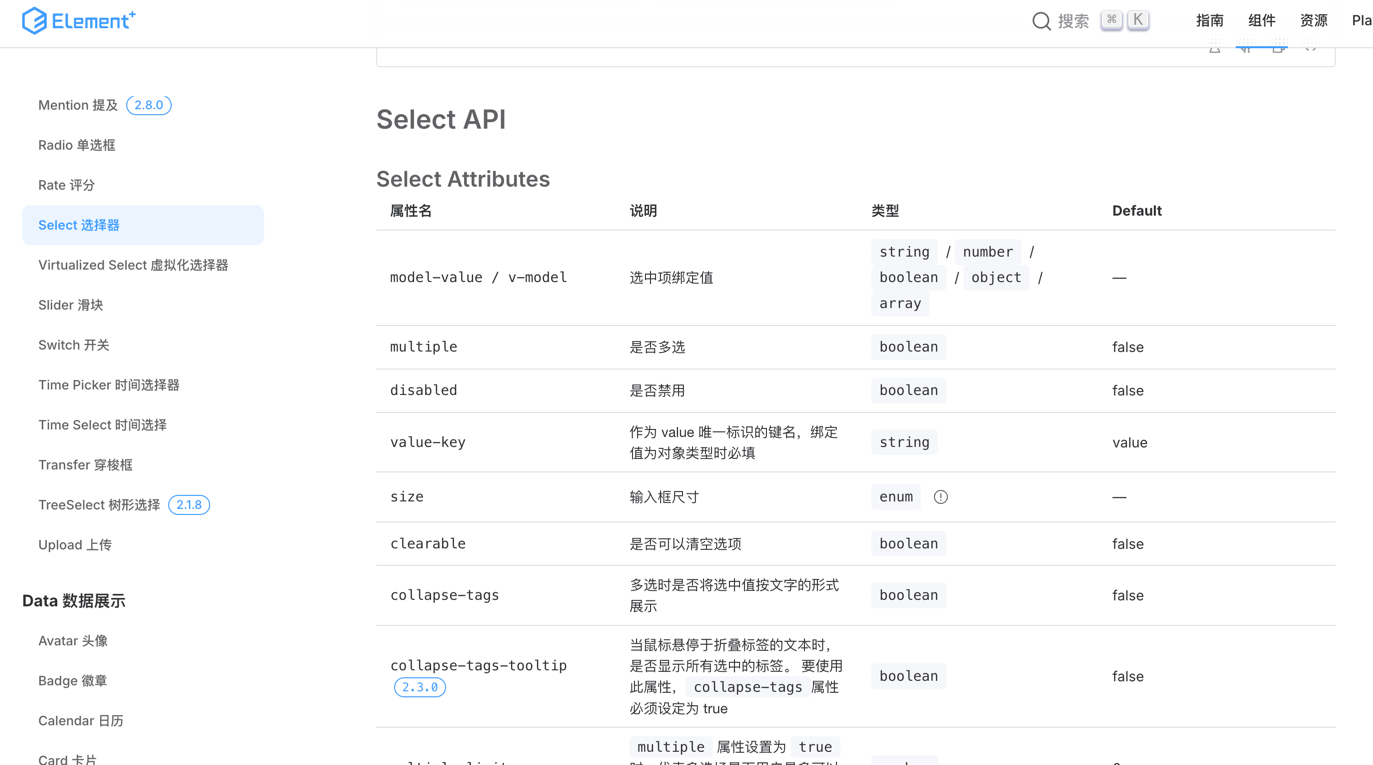
Configure props in rules
js
const rule = {
    type: 'select',
    props: {
        multiple: true
   }
}
3. View Component Events
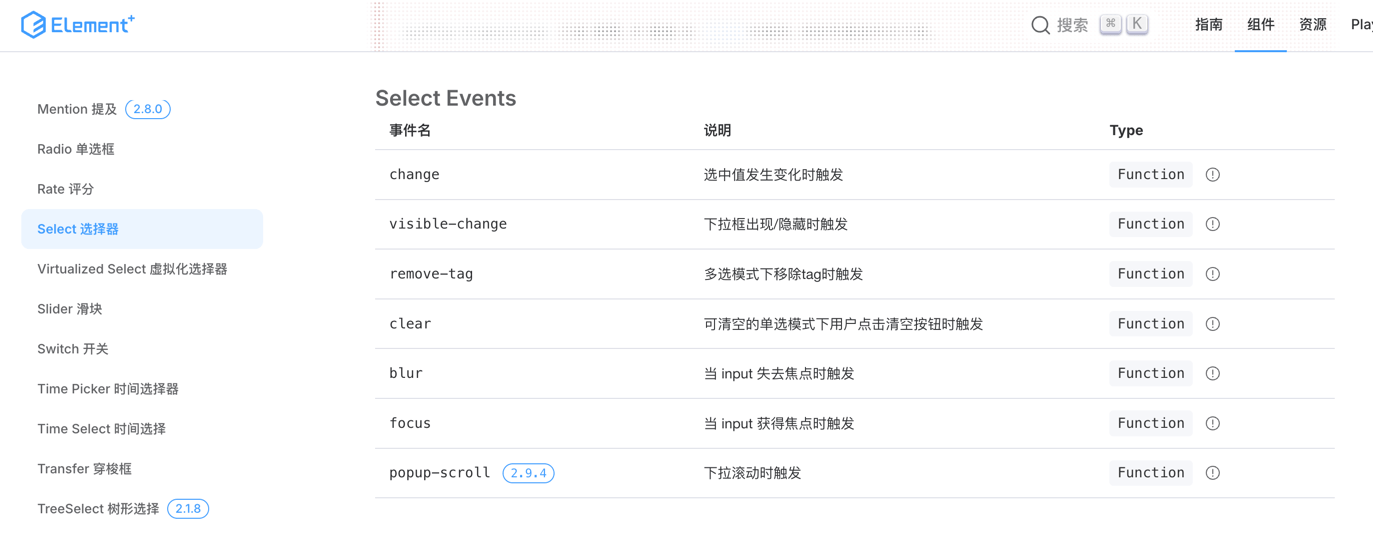
Configure events in rules
js
const rule = {
    type: 'select',
    on: {
        change() {
            // todo
        }
   }
}
4. View Component Slots
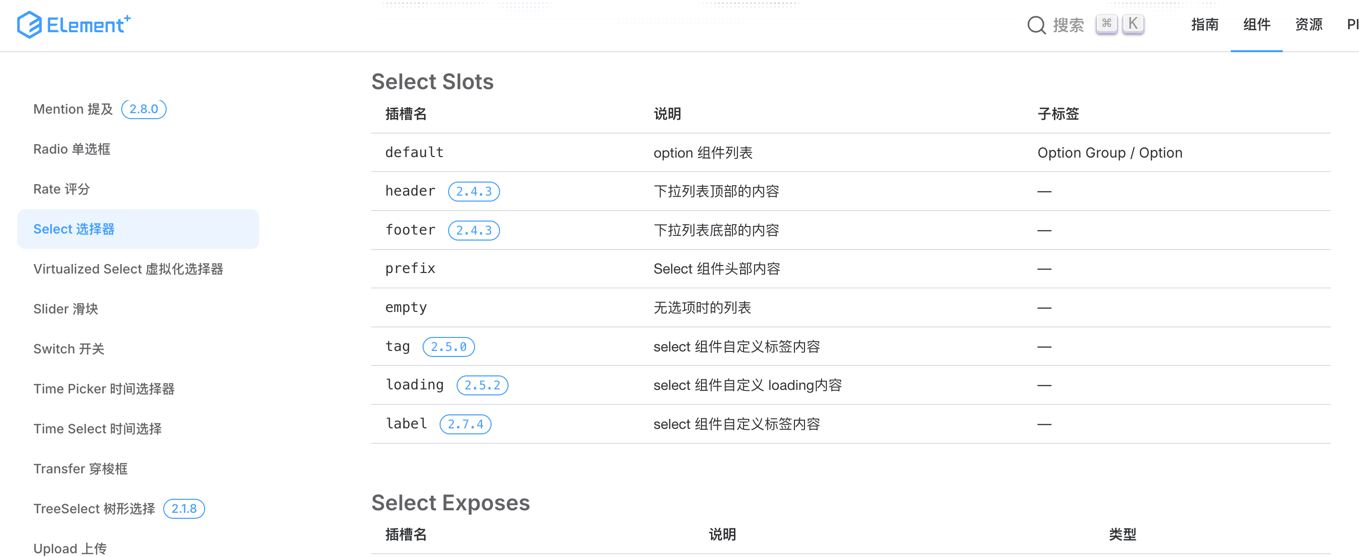
Configure slots in rules
js
const rule = {
    type: 'select',
    children: [
        {
            type: 'span',
            slot: 'header',
            children: ['Selection List']
        },
        {
            type: 'span',
            slot: 'empty',
            children: ['Content is empty']
        },
    ]
}
5. View Component Methods
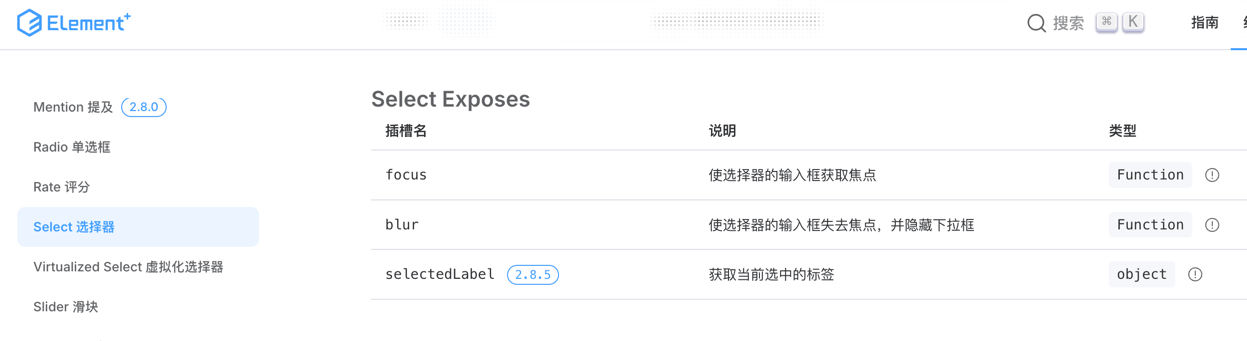
Call component methods through api
js
const rule = {
    type: 'select',
    field: 'user_type',
    name: 'user_type_select',
}
// After component is rendered, get the component instance through the api
api.el('user_type').focus();
// Can also be called by name
api.el('user_type_select').focus();